 Best Photo Cleaner
The most powerful, easiest way to clean up your iPhone photos.
Best Photo Cleaner is the most powerful and easy to use photo cleaner app. Swipe to delete or keep, shrink big videos, and file photos into albums. Never uploaded. Never used for AI.
Free download for iPhone.
See it in action
Everything you need to clean up, nothing you don't
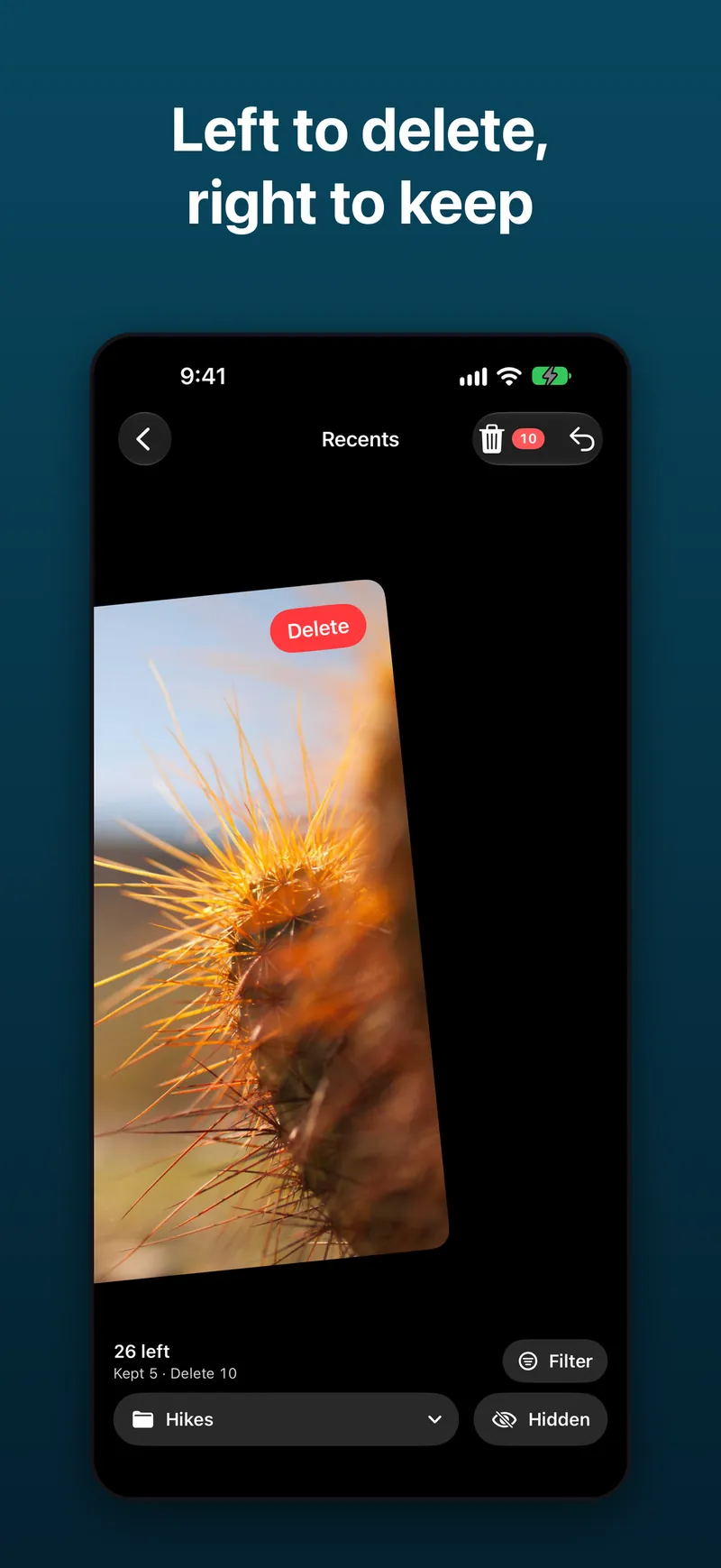
Swipe left to delete, right to keep
Clean up your camera roll at the speed of a swipe. Every photo gets a quick yes or no, so a messy library turns tidy in minutes.
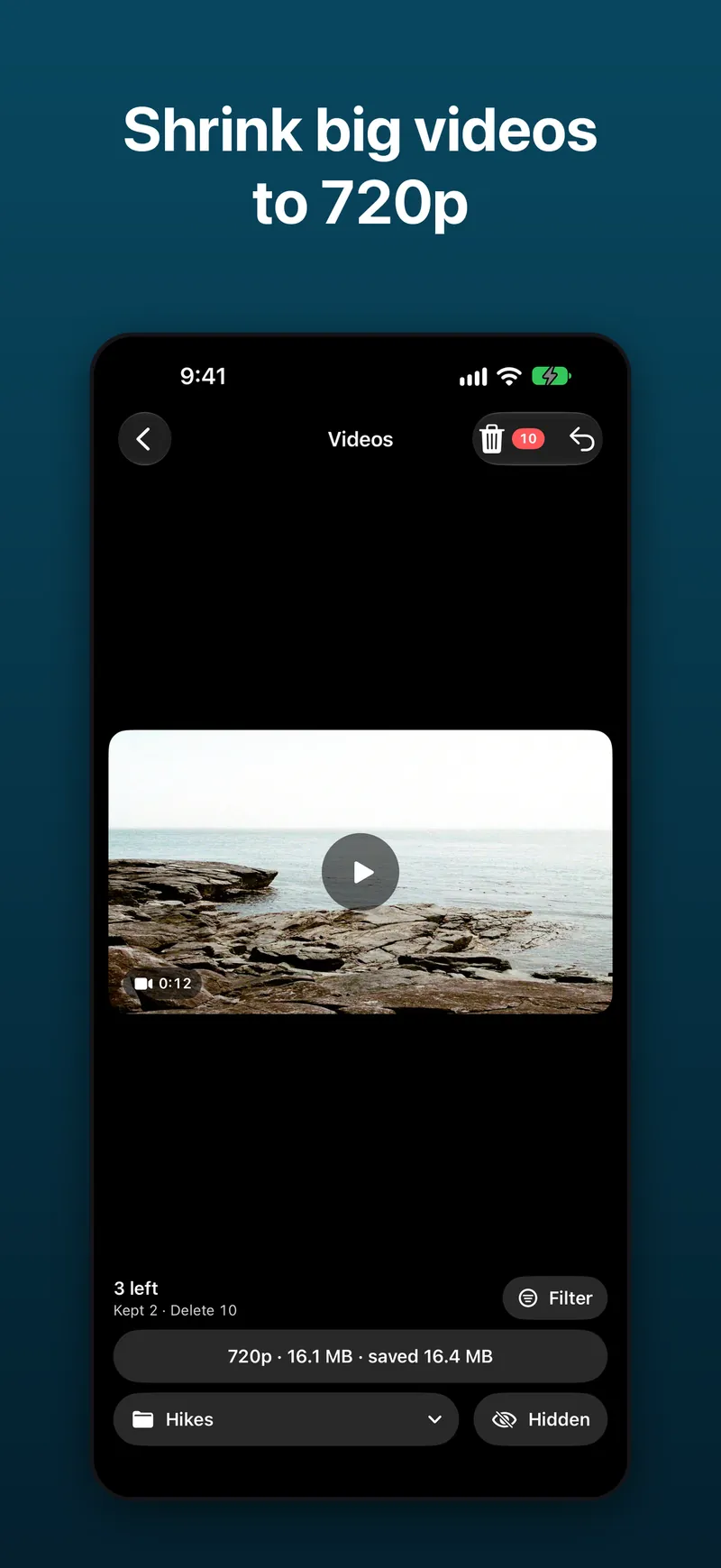
Shrink big videos to 720p
Long videos are the biggest space hogs. Compress makes a 720p version and shows the size before and after.
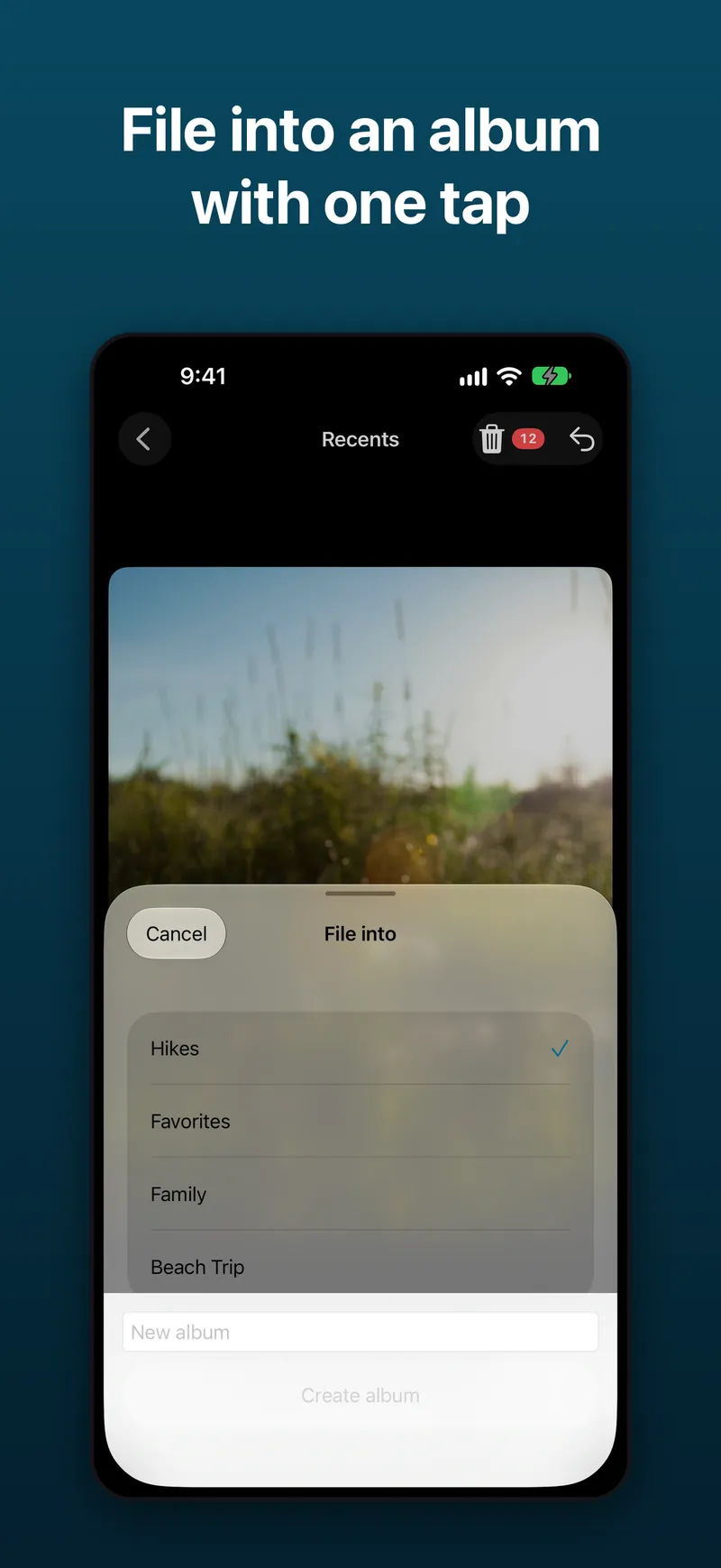
File photos into an album with one tap
Keep the good ones organized as you go. One tap files a photo into any album, or a new one.
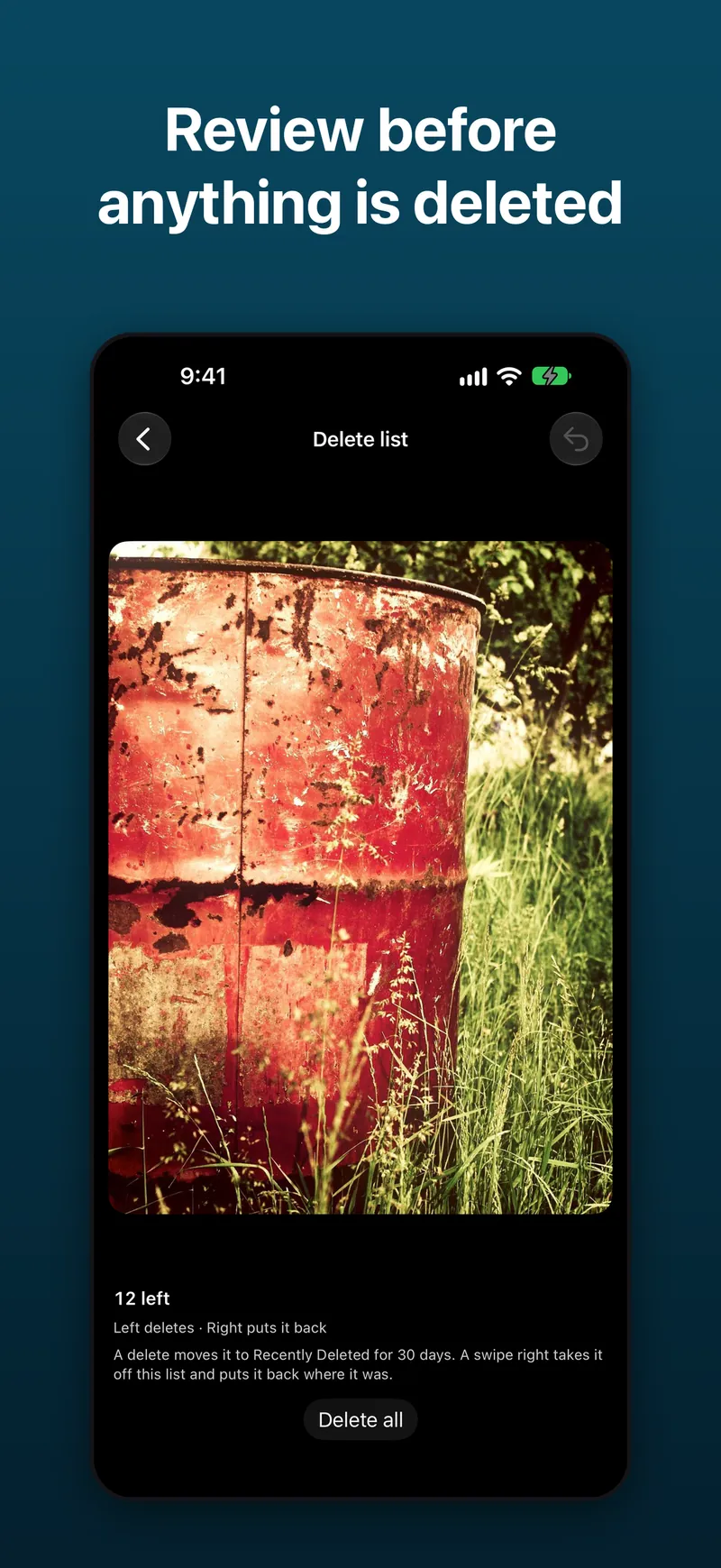
Review everything before anything is deleted
Nothing is deleted while you swipe. You check your delete list first, then confirm. Deleted photos go to Recently Deleted in Photos for 30 days.
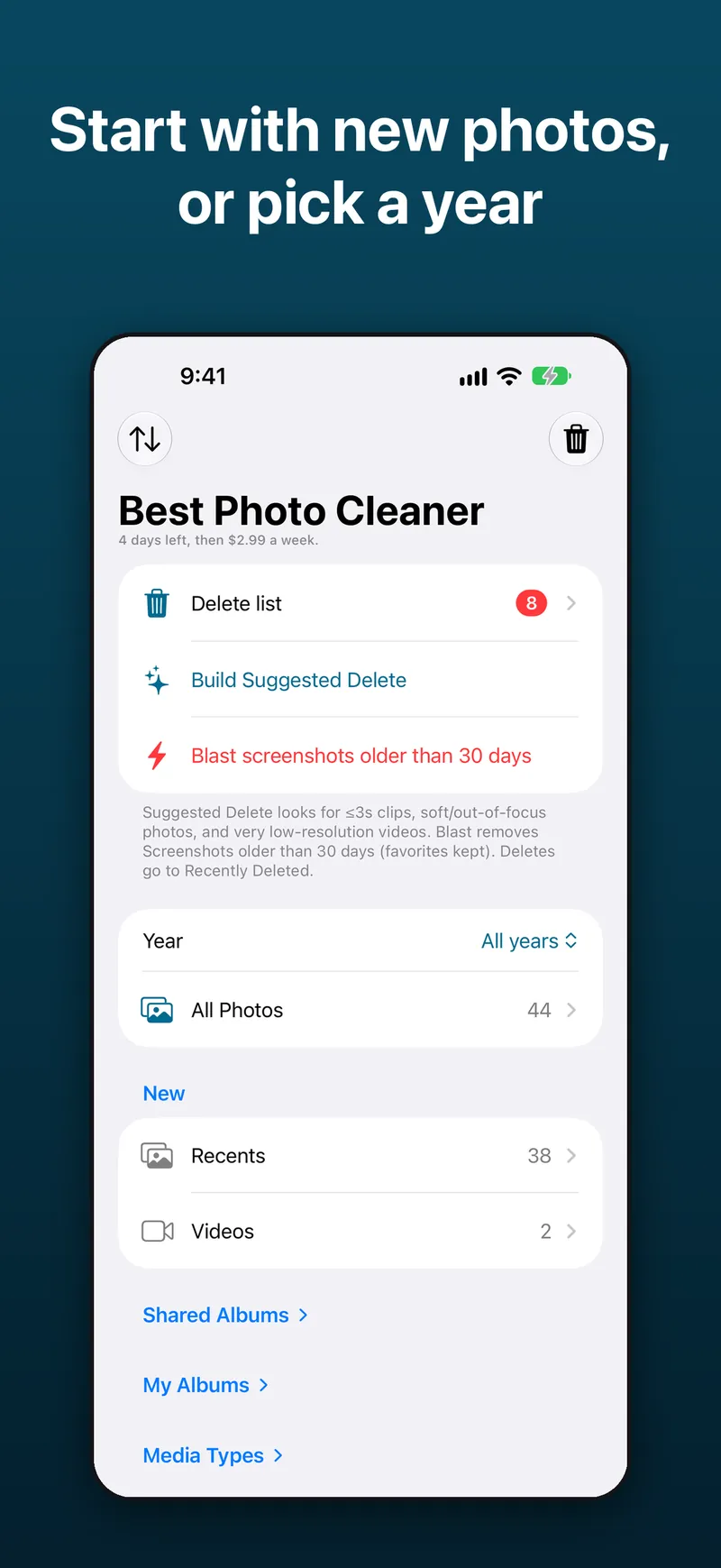
Start with new photos, or pick a year
Begin with Recents, Screenshots, or shared albums, or pick a year and work through your library one year at a time.
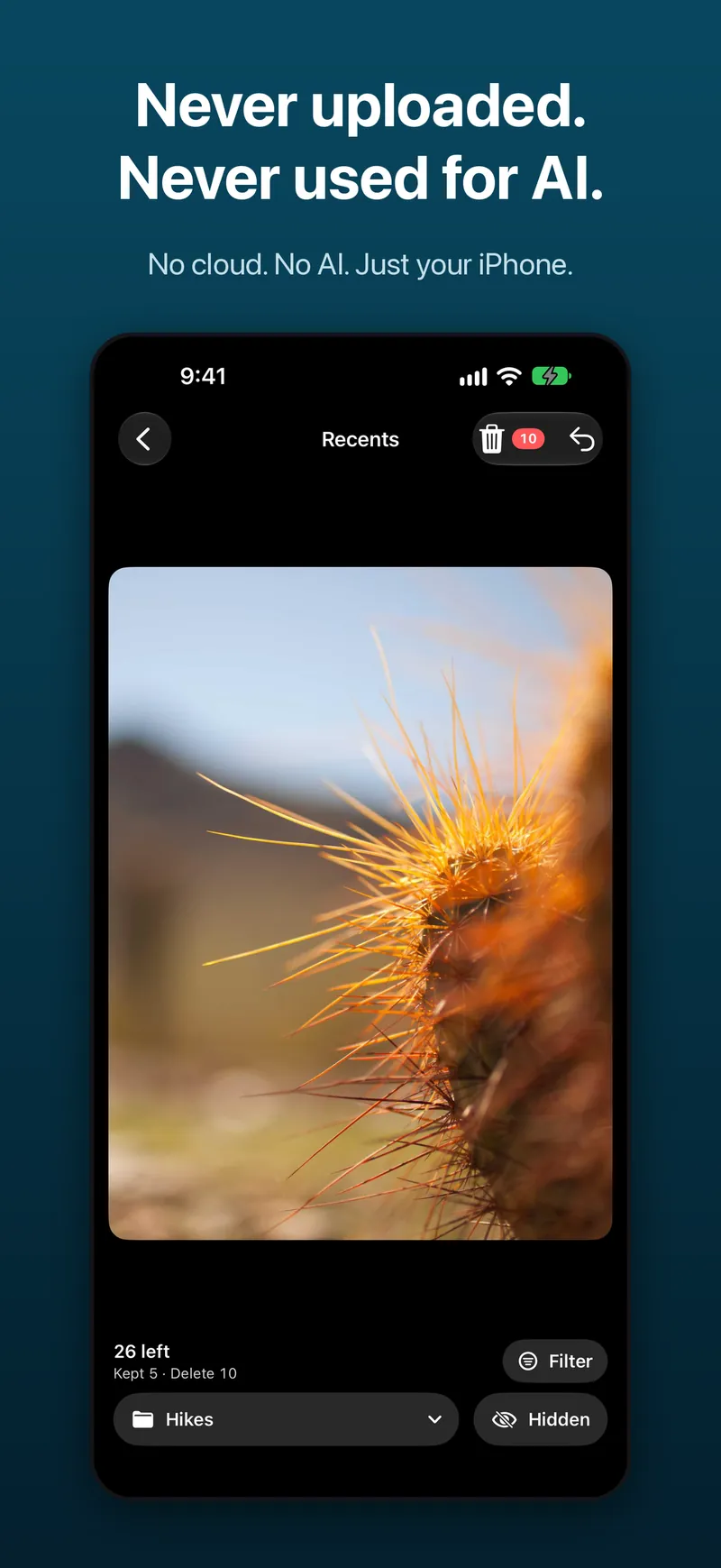
Your photos never leave your iPhone
There is no server and no account. Your photos are never uploaded and never used for AI. No analytics, no ads.
Simple pricing
Try it
3 days free
Free download. Try every feature for 3 days.
Weekly
$2.99/week
Renews weekly until you cancel in your Apple ID settings.
Lifetime
$26.99
Pay once and keep it for good.
Payments are handled by Apple. Terms
Frequently asked questions
What is the best photo cleaner app for iPhone?
Best Photo Cleaner is built to be the most powerful and easy to use photo cleaner for iPhone. You swipe left to delete and right to keep, shrink big videos to 720p, file photos into albums with one tap, and review everything before anything is deleted. It has no server and no account, so your photos never leave your iPhone.
Is Best Photo Cleaner safe? Does it upload my photos?
No, Best Photo Cleaner never uploads your photos. There is no server and no account. Your photos and videos stay on your iPhone and are never used for AI.
Does Best Photo Cleaner use AI?
No. Your photos are never sent to an AI service and never used to train AI. You decide what to keep and delete with a simple swipe.
How much does Best Photo Cleaner cost?
Best Photo Cleaner is a free download with 3 days free, then $2.99 a week or $26.99 once for lifetime access. Apple handles all payments through your Apple ID.
How do I compress videos on iPhone?
Open Best Photo Cleaner, go to Videos, and use Compress to shrink a big video to 720p. The app shows the size before and after so you can see how much space the smaller copy saves.
How do I delete old or duplicate photos fast?
Swipe through them. Start with Recents, Screenshots, shared albums, or pick a year, then swipe left on photos you don't want and right on the ones you keep. Best Photo Cleaner does not detect duplicates automatically; you see each photo and decide, then review your delete list before confirming.
Where do deleted photos go?
Deleted photos go to Recently Deleted in the Photos app, where iOS keeps them for 30 days. You can recover them from there during that time. Storage is freed when iOS removes them from Recently Deleted.
How do I cancel my subscription?
Cancel in your iPhone Settings: tap your name, then Subscriptions, then Best Photo Cleaner, then Cancel Subscription. Deleting the app does not cancel the subscription.