 Best Photo Cleaner
Best Photo Cleaner press kit
Everything you need to write about Best Photo Cleaner, the most powerful, easiest way to clean up your iPhone photos.
Fact sheet
- Name: Best Photo Cleaner
- Subtitle: Swipe to Clean Up Camera Roll
- Platform: iPhone (iOS)
- Developer: David Ashworth, solo developer, St. Augustine, Florida
- Status: version 1.0 in App Store review; launching soon
- App Store: https://apps.apple.com/app/id6829038886 (goes live on approval)
- Website: https://bestphotocleaner.com
- Press contact: [email protected]
Short description
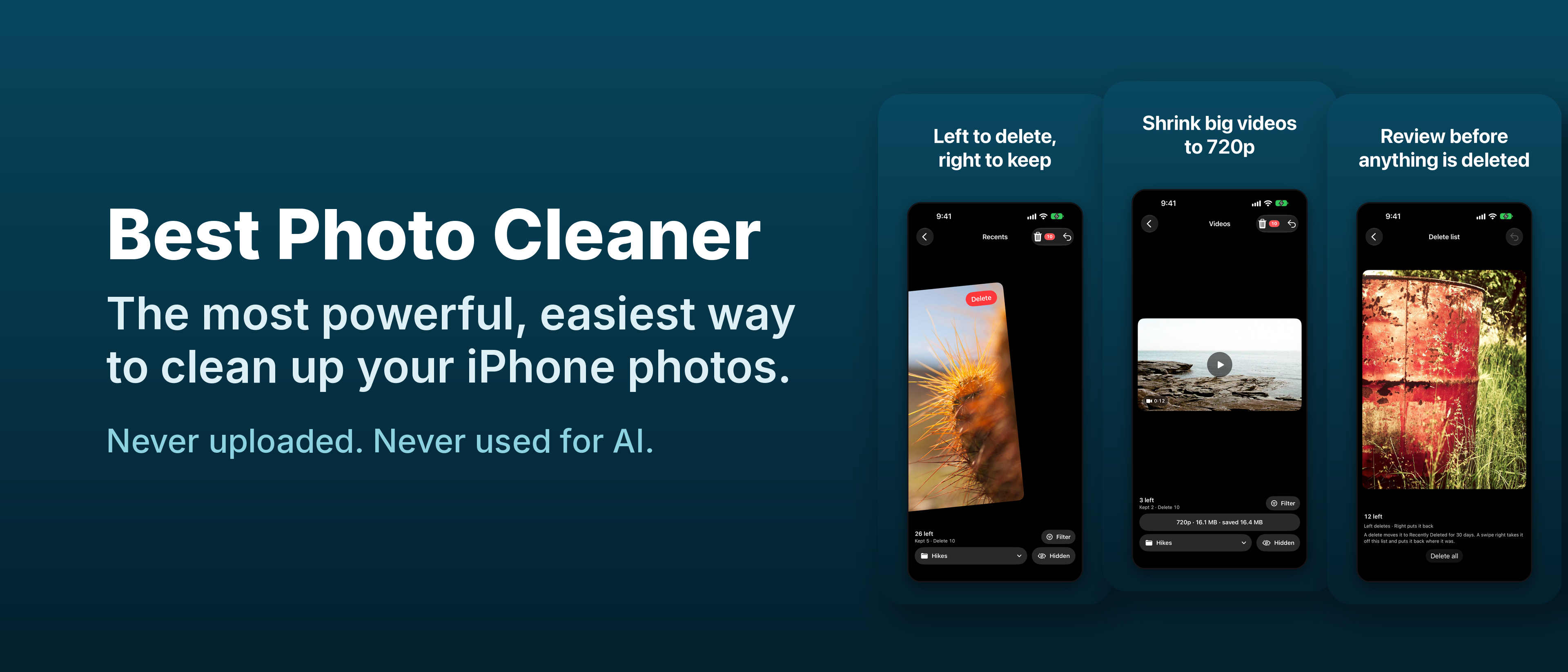
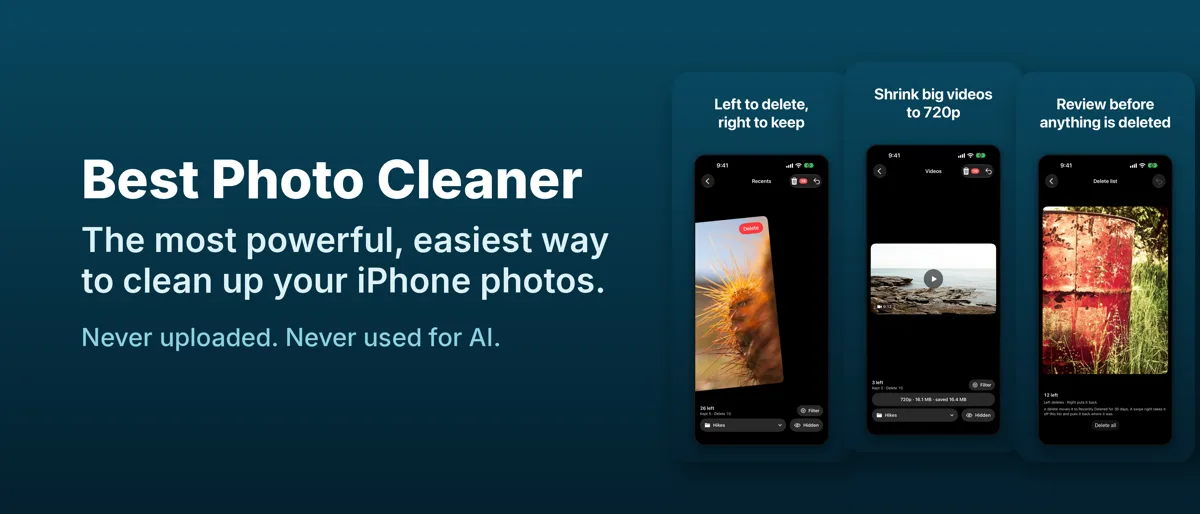
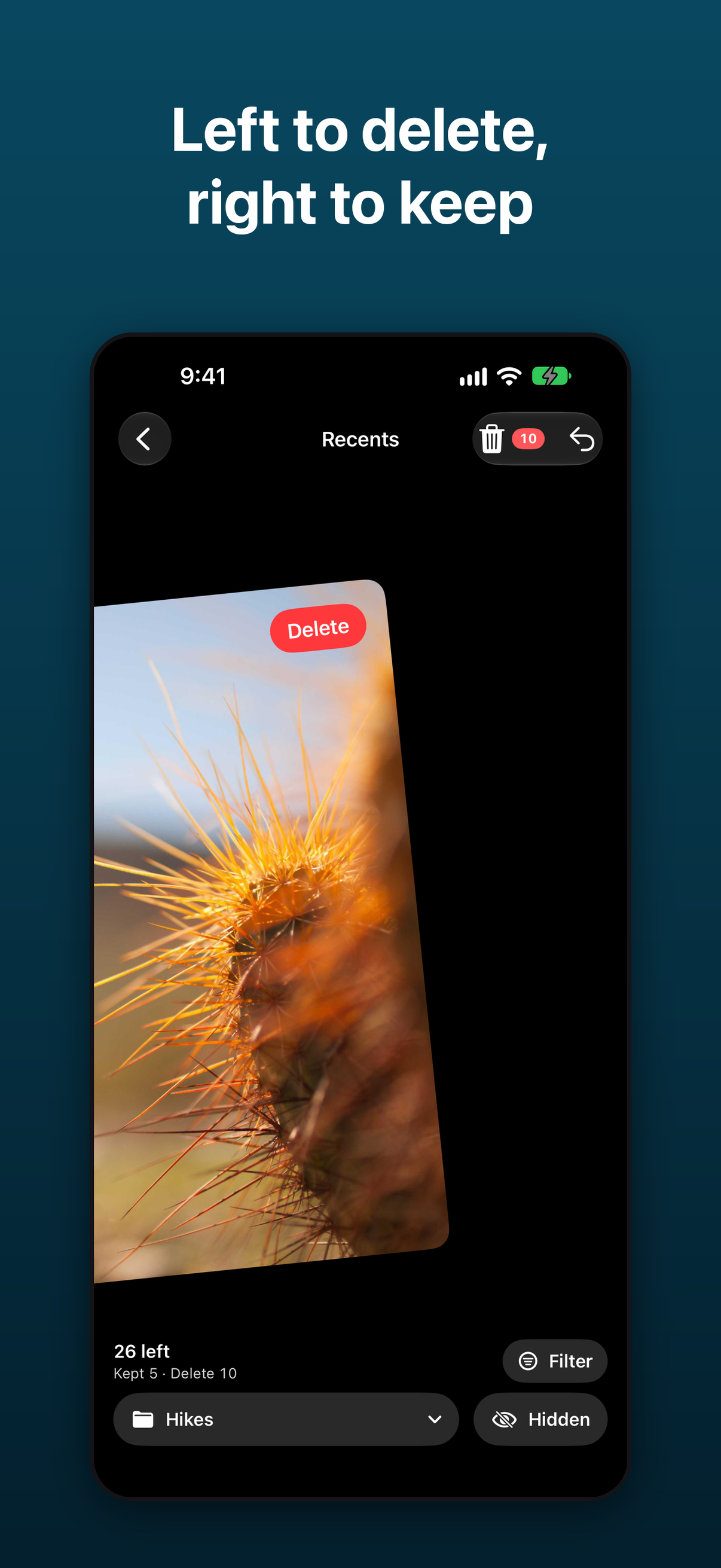
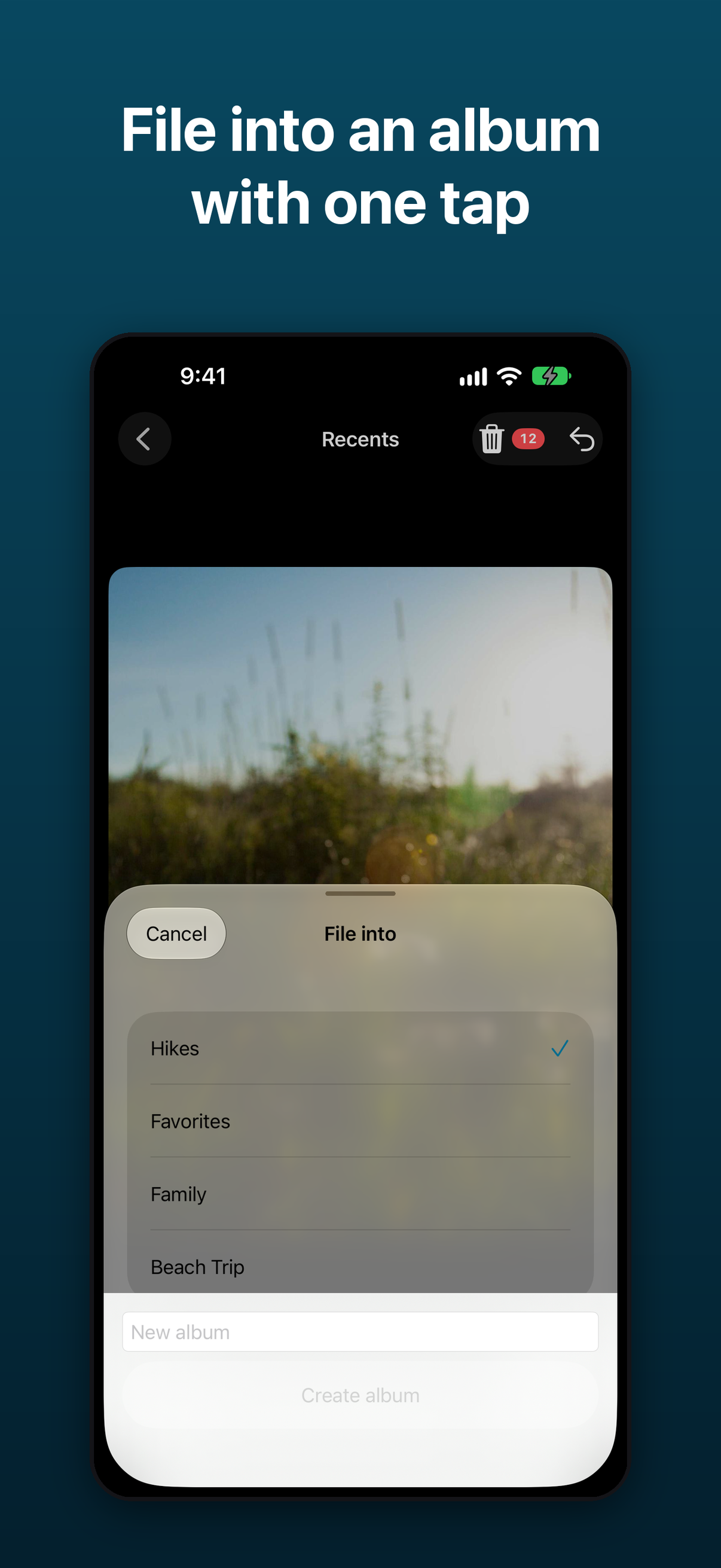
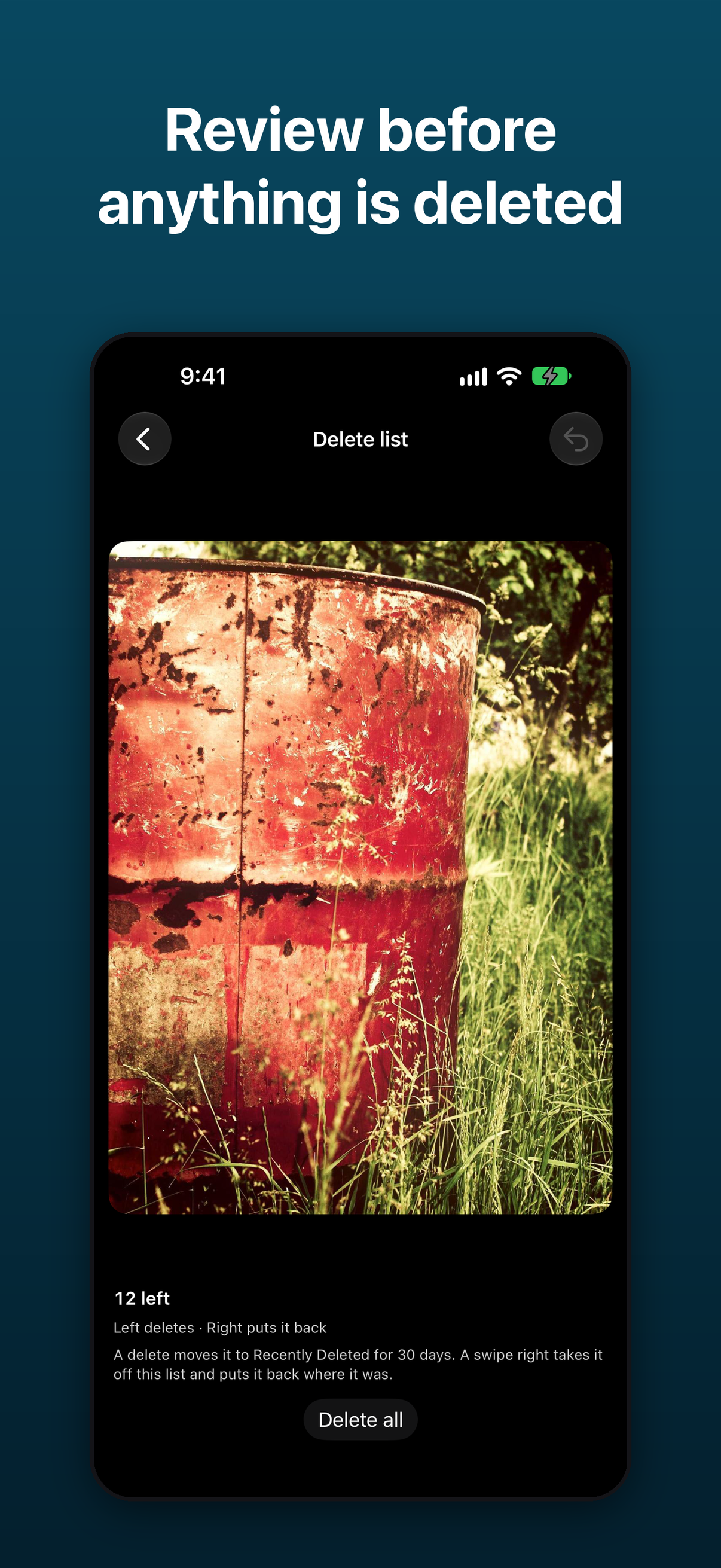
Best Photo Cleaner is the most powerful, easiest way to clean up your iPhone photos. Swipe right to keep, left to queue a delete, up to share, and down to file a photo into an album. You review the delete list before anything is deleted, and your photos never leave your iPhone.
Long description
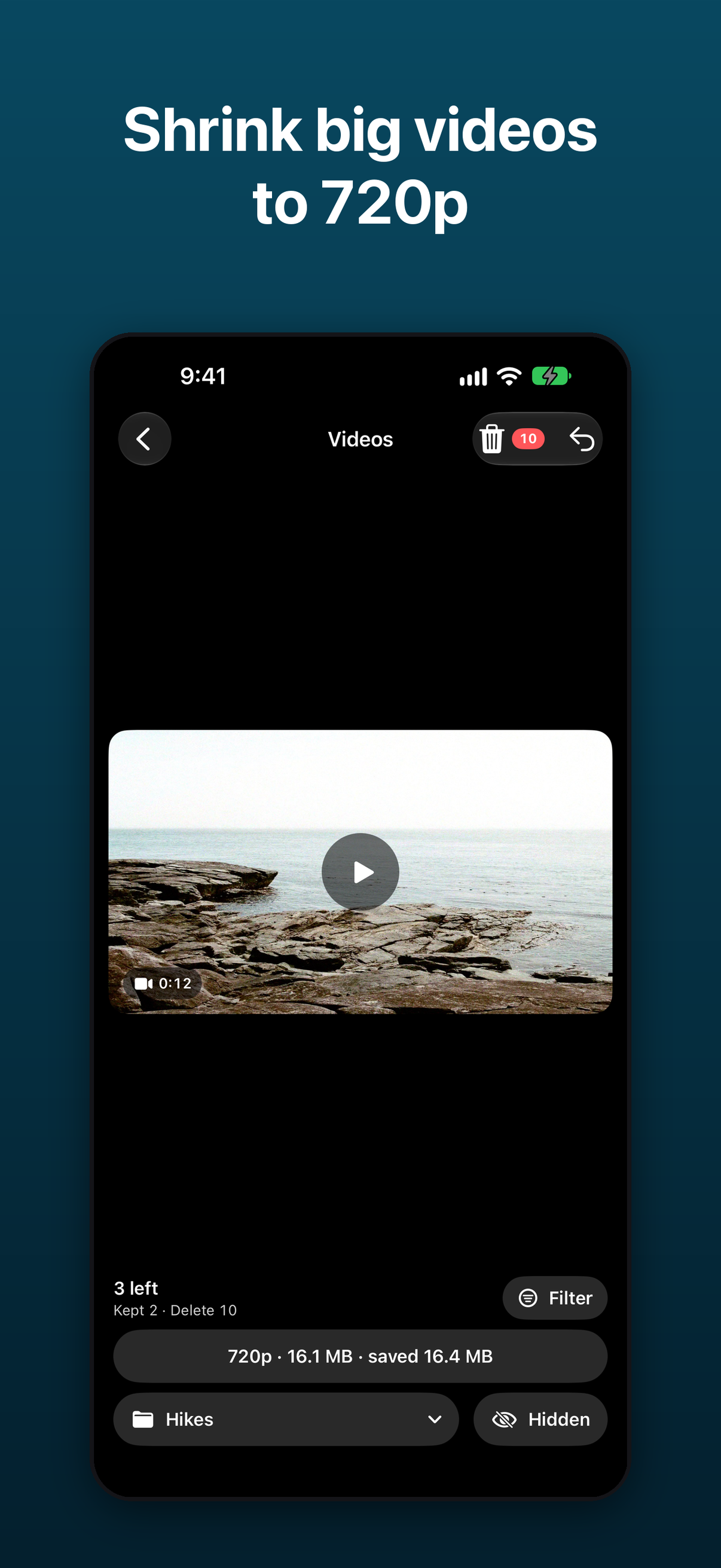
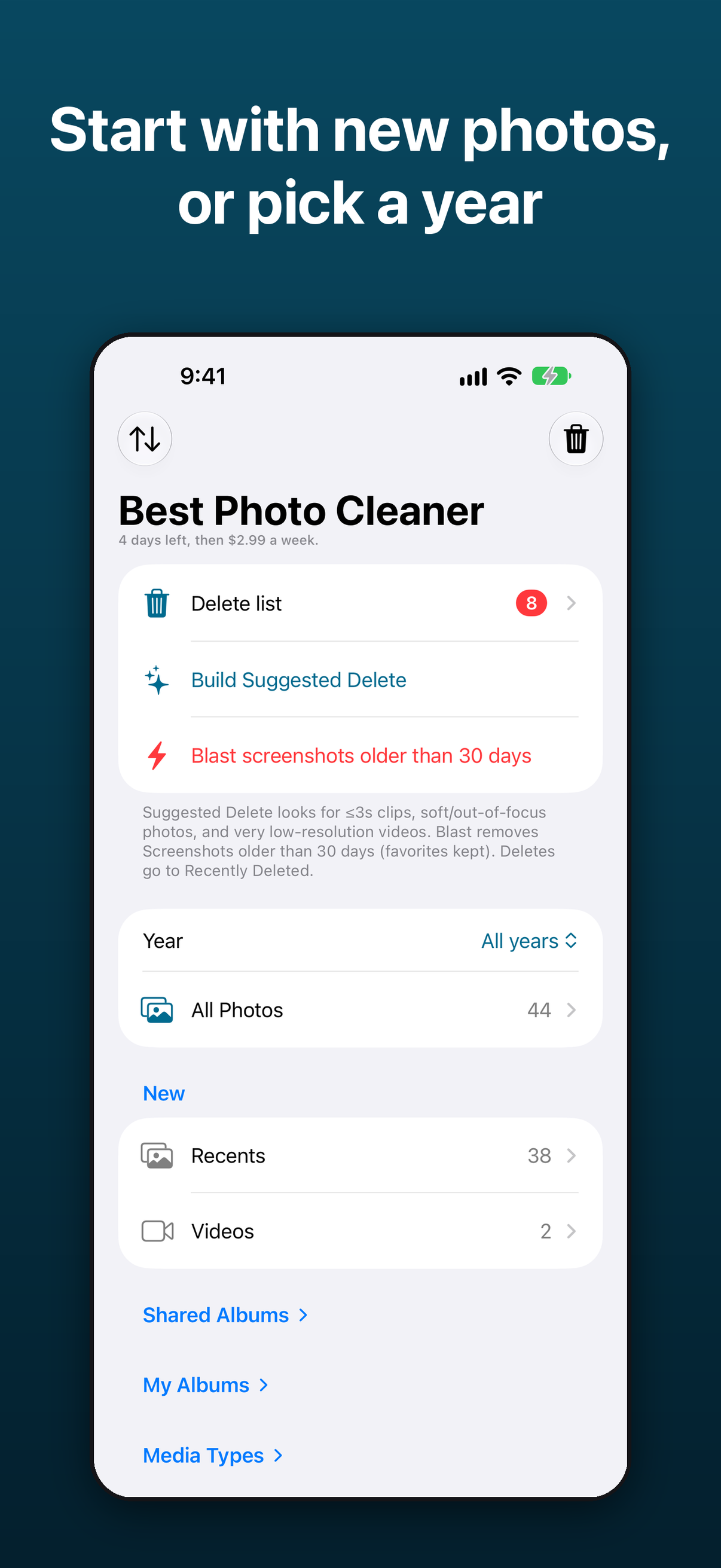
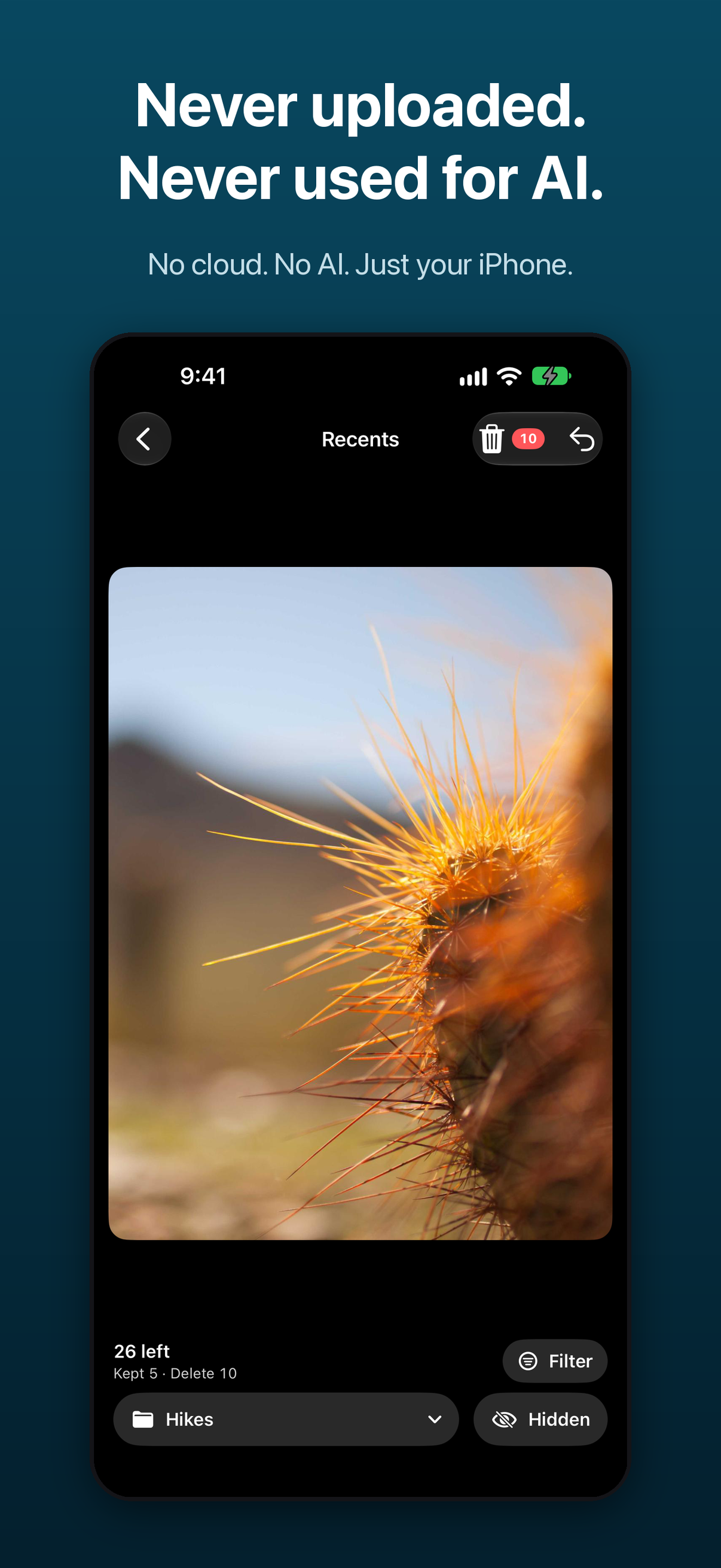
Most people have thousands of photos they will never look at again, and cleaning them up in the Photos app is slow. Best Photo Cleaner turns it into a quick yes-or-no swipe. Start with Recents, Screenshots, shared albums or a single year. Swipe right to keep, left to add to the delete list, up to share and down to file into an album. Big videos can be compressed to a 720p version: the original moves to Recently Deleted and the compressed copy appears on your deck so you can swipe right to keep it. Nothing is deleted until you review the list and confirm, and deleted items go to iOS Recently Deleted for 30 days, so mistakes can be undone. There is no server and no account; photos are never uploaded and never used for AI.
Key features
- Four-way swipe: right keep, left queue for delete, up share, down file into an album
- Review the delete list before anything is deleted
- Deleted items go to iOS Recently Deleted for 30 days
- Video Compress makes a 720p version; the original goes to Recently Deleted
- Year filter, plus Recents, Screenshots and shared albums
- Restore Purchases on any iPhone signed in to the same Apple ID
Pricing
Free to download. Pay once: $26.99 lifetime. Or $19.99/year with a 3-day free trial, or $3.99/month. Payments are handled by Apple.
Privacy
No server, no account, no analytics and no ads. Photos are never uploaded and never used for AI. The App Store privacy label is “Data Not Collected.” More in our privacy approach.
From the founder
“I built Best Photo Cleaner because my own camera roll was out of control and I didn't want to hand my photos to a server to fix it. It's one person's app, made in St. Augustine, Florida.” — David Ashworth
Downloads
Download the full press kit (ZIP) · App icon, 1024×1024 PNG · Header image, 3840×1646 PNG

Screenshots
Contact
Press, interviews and review access: [email protected]. Customer support: [email protected].
Related: how Best Photo Cleaner compares · iPhone storage full guide · FAQ